
Bomber Farm 3D1.1.0 - App Store
You'll be able to see results in few seconds.
Publisher Description
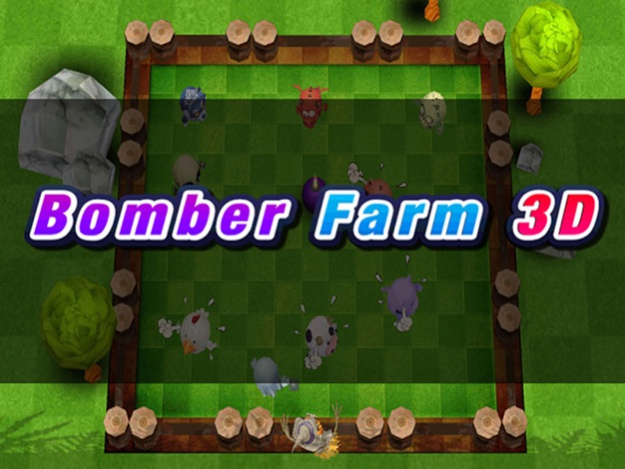
Most cute bomberman 3D clone ever!
The game have a nice graphics, animations and sounds to get a funny experience.
Video:
https://www.youtube.com/watch?v=tua_KswAYjA
Features
- 3 different scenarios (Farm, Barn and the scary Graveyard!)
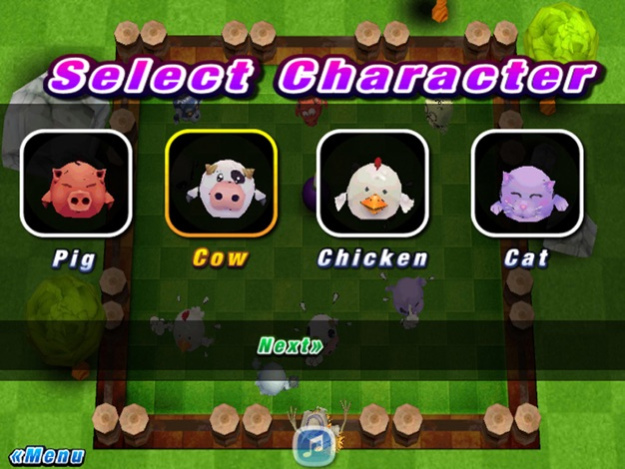
- 4 funny characters available to select (Pig, Cow, Cat and Chicken)
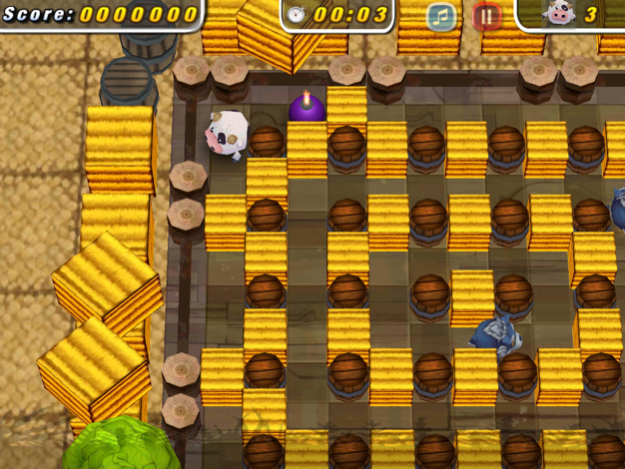
- 4 PowerUps (Extra life, Extra Bomb, Extra Speed, Extra Flame)
- 6 different Enemies ( Wolf, Dragon, Skeleton, Zombie, Mummy, Ghost)
- 15 total Levels with rating (Depends on time, lives, power-up)
- Special boss level: get ready for the challenge!
Kids can learn the animal sounds with this easy to play game
* Classic Digital Pad Controller
* Free game with ads
+ Instructions
- Control:
New Smooth and Nice Controller to Move
Button: Place Bomb
- Gameplay:
First kill all enemies, get power ups and find the exit to pass level
Have fun!
Game developed by Taykron Games & XIX Games.
Credits:
- Davit Masia
- Juan Belón Pérez
Icon illustration and load screen by Sara Manzano
PS: Support us!: engine licenses are expensive, remove ads to support costs
The game is not compatible with iPod-iPhone 3G/S or below
Jul 13, 2014
Version 1.1.0
- New control
- Fixed GUI
- Final version with full engine
- Less ads
About Bomber Farm 3D
The company that develops Bomber Farm 3D is Juan Felipe BELON PEREZ. The latest version released by its developer is 1.1.0.
To install Bomber Farm 3D on your iOS device, just click the green Continue To App button above to start the installation process. The app is listed on our website since 2014-07-13 and was downloaded 0 times. We have already checked if the download link is safe, however for your own protection we recommend that you scan the downloaded app with your antivirus. Your antivirus may detect the Bomber Farm 3D as malware if the download link is broken.
How to install Bomber Farm 3D on your iOS device:
- Click on the Continue To App button on our website. This will redirect you to the App Store.
- Once the Bomber Farm 3D is shown in the iTunes listing of your iOS device, you can start its download and installation. Tap on the GET button to the right of the app to start downloading it.
- If you are not logged-in the iOS appstore app, you'll be prompted for your your Apple ID and/or password.
- After Bomber Farm 3D is downloaded, you'll see an INSTALL button to the right. Tap on it to start the actual installation of the iOS app.
- Once installation is finished you can tap on the OPEN button to start it. Its icon will also be added to your device home screen.
Program Details
System requirements
Download information
Pricing
Version History
version 1.1.0
posted on 2014-07-13
Jul 13, 2014
Version 1.1.0
- New control
- Fixed GUI
- Final version with full engine
- Less ads
version 1.1.0
posted on 2012-06-06
Disclaimer
Official App Store Link
We do not host Bomber Farm 3D on our servers. We did not scan it for viruses, adware, spyware or other type of malware. This app is hosted by Apple and passed their terms and conditions to be listed there. We recommend caution when installing it.
The App Store link for Bomber Farm 3D is provided to you by apps112.com without any warranties, representations or guarantees of any kind, so access it at your own risk.
If you have questions regarding this particular app contact the publisher directly. For questions about the functionalities of apps112.com contact us.
